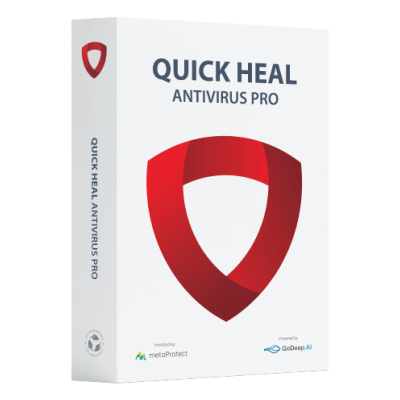
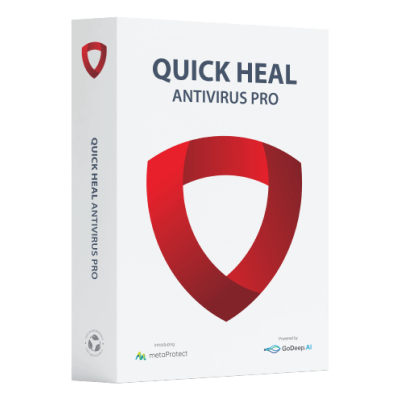
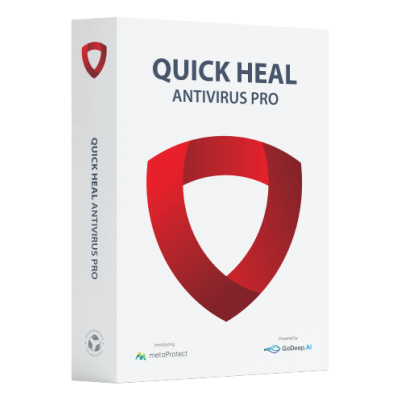
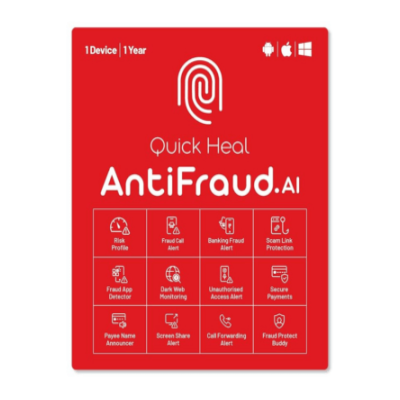
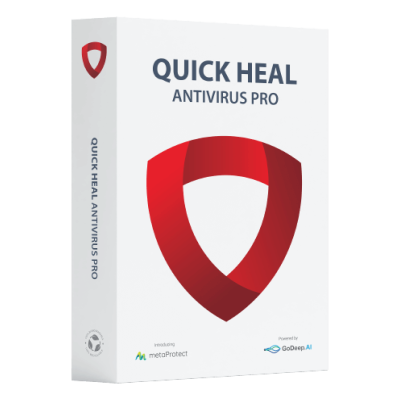
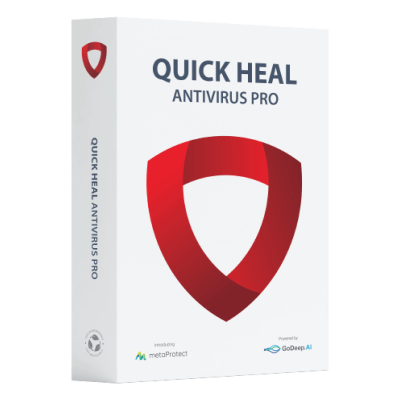
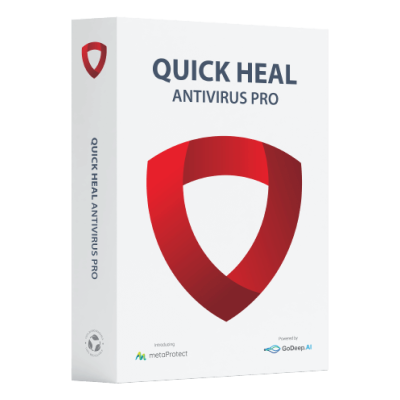
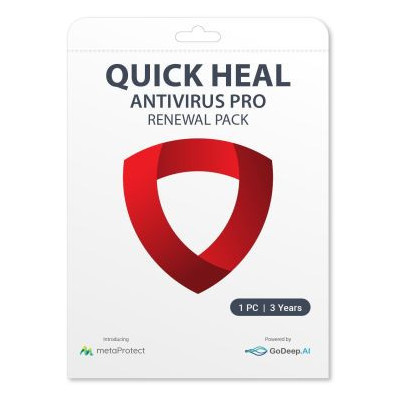
Quick Heal Antivirus Pro protects data from data stealing malware.
Quick Heal Antivirus Pro detects and blocks viruses, malware, ransomware and other online threats instantly.
Quick Heal Antivirus Pro automatically blocks websites that can infect PC
Quick Heal Antivirus Pro provides complete safety of your important data against critical ransomware attacks. It detects and blocks ransomware attacks in real time backed up by Behavior Detection Technology.
Quick Heal Antivirus Pro shields your device from harmful software and web threats with powerful detection
Quick Heal DNA Scan technology detects and blocks threats. It uses a combination of behavioral and characteristic inspection and monitor unsafe programs
Quick Heal Antivirus Pro automatically blocks websites that can infect PC. It helps to prevent PC or Laptops from malicious software like trojan, spyware, malware etc.
IDS/IPS feature enables users to evaluate network and blocks known cyber attacks.
Quick Heal Antivirus Pro scans incoming emails and attachments for potential threats to keep your inbox safe.
Quick Heal Antivirus Pro efficiently blocks emails that can carry infected attachments or links to fake and phishing websites.
Quick Heal Antivirus Pro keeps your antivirus up to date with the latest virus definitions and security patches.
System Requirements :
Windows 11/ Windows 10 / Windows 8.1 / Windows 8
Processor: 1 GHz or faster
RAM: 1 GB for 32-bit or 2 GB for 64-bit
Steps to Renew Your Quick Heal Antivirus Pro with Renewal Code
Open Quick Heal Dashboard
Navigate to Help -> About from Dashboard
Click “Renew Now” button
Select “I have renewal code or new product key with me.” option and click “Next”
Enter Renewal Code and click “Next”
Confirm or Update the contact details and click “Next”
Verify the license details and click “Next”
After clicking “Next”, license validity will be extended and new expiry date will be shown

 Kannada



 Security policy
 Delivery policy
 Return policy