 Kannada



In Stock
 Security policy
(edit with the Customer Reassurance module)
 Delivery policy
(edit with the Customer Reassurance module)
 Return policy
(edit with the Customer Reassurance module)

Guarantee safe & secure checkout
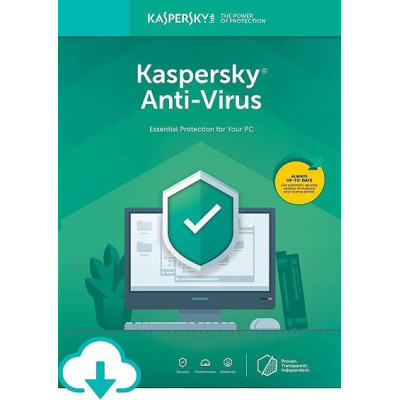
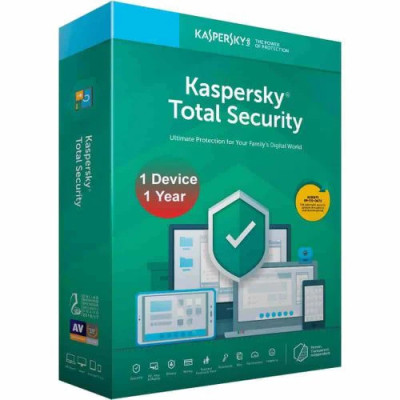
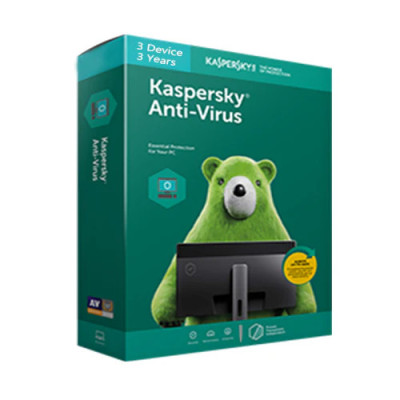
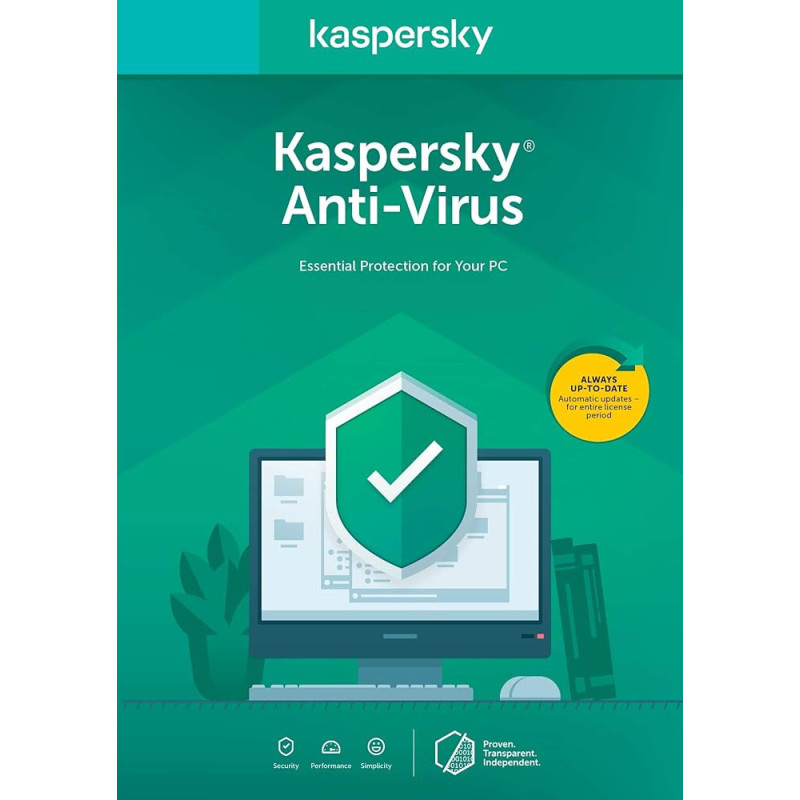
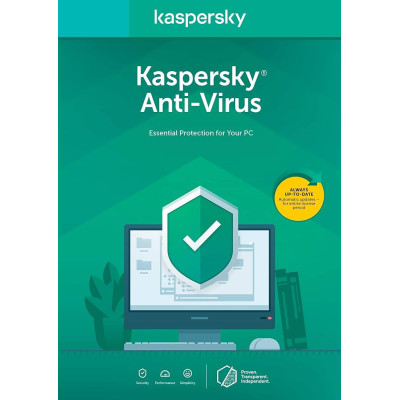
Think of all the precious things on your PC. We can help you protect them against viruses, spyware more. Our award-winning security makes it easy to defeat digital dangers; without slowing you down. - Protection against Wanna Cry Ransomware - Protects against viruses, spyware & more - Lets your PC perform as it was designed to Simplifies security via easy, online control
920 MB of free disk space, Internet connection (for activation and updates) Computer mouse, Microsoft Internet Explorer 8.0 or later Microsoft Windows Installer 3.0 or later, Microsoft .Net Framework 4 or later Netbook requirements: Intel Atom 1.6 GHz and faster, Intel GMA 950 video card (or better) with at least 64 MB of memory (or compatible equivalent), Screen resolution of at least 1024*576
Microsoft Internet Explorer 8.0 or later, Microsoft Edge 20.x25.x or later Mozilla Firefox 40.x, 52.x, Google Chrome 44.x 52.x, Mozilla Firefox ESR 38.5, 45.2
XP SP3 and later, Vista SP1 or later (32/64-bit), 7 SP1 and later (32/64-bit), 8 (32/64-bit),8.1(32/64-bit), 10 (32/64-bit)
Intel Pentium 1 GHz or faster (or a compatible equivalent) 1 GB (32-bit) / 2 GB (64-bit) available RAM Protecting You, Your Family More Get the Power to Protect. Discover how our award-winning security helps protect what matters most to you.
Download the installer from https://www.kaspersky.co.in/downloads/thank-you/antivirus-free-trial. Double-click the downloaded file. Click Continue. Review Kaspersky Labs End User License Agreement. Read the agreement carefully, and if you agree to all of its terms, click Continue. Read the Kaspersky Security Network statement. If you accept the KSN Statement, leave the check box selected. click Install. Wait for the installation to complete. Make sure that the check box Run Kaspersky Antivirus is selected and click the Finish button to complete the installation. Open Kaspersky Antivirus 2018. Click on License is missing. Enter activation code. Click on activate. When the activation is completed,click Finish. Put Key you purchase from
Delivery mode : Instant Delivery within 30 Min. Via Email
Delivery mode : Instant Delivery within 30 Min. Via Email
Delivery mode : Instant Delivery within 30 min. Via Email
Delivery mode : Instant Delivery within 30 Min. Via Email